
No products in the cart.
Return To Shop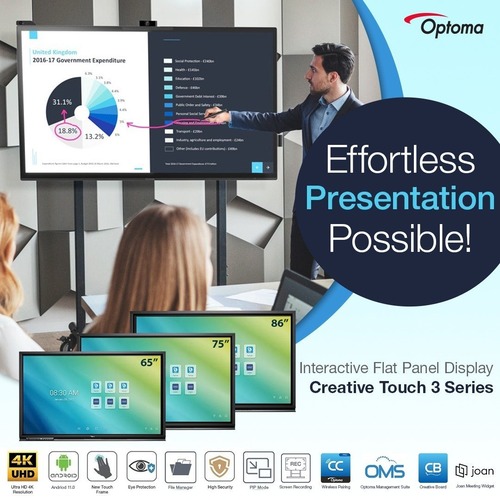

Display Share – Discover the Magic of Wireless Sharing!
Break the Cable Barrier: Embrace Wireless Screen Mirroring!
Get ready for the ultimate wireless experience! Optoma Display Share software, featured by color aid, makes it a breeze to connect your devices and share your content on the big screen. Say goodbye to cables and hello to seamless screen mirroring of high-quality images, videos, and documents from your phone, laptop, or PC. Teachers and students will love the moderation and remote view modes, making wireless classes and note-taking more interactive and engaging than ever. Experience the future of screen sharing with Display Share, and it would be the key to unlocking effortless collaboration!
Download Optoma Display Share software here : [https://displayshare.optoma.com/][1]
[1]: https://displayshare.optoma.com/

Ultra HD 4K Resolution
With over eight million pixels, Ultra HD 4K Resolution brings four times more detail than Full HD, to deliver sharper, life-like images and richer colours – allowing you to sit closer to the screen and enjoy a more immersive experience.


TUV Certified Low Blue Light Display
The built-in low blue light mode helps reduce eyestrain and tiredness by minimising the blue light output from the display.

Optoma quick-draw pen
Be ready to start any lesson in seconds. The included quick-draw pen instantly activates the whiteboard application, saving the time and energy spent on having to manually change modes.
Connect Easily
Sync with your cloud accounts to plan your lessons from anywhere, at any time. As Creative Board is a cloud-based platform, you can access your lesson materials from any Optoma Creative Touch 5-Series IFPD in your school
Google Classroom support
Empower teachers with the ability to effortlessly create and import lesson materials from any location. The integration with Optoma Whiteboard seamlessly connects with Google Classroom, unlocking the power of paperless sharing and digital collaboration. Teachers can now craft lesson plans from the comfort of their homes and instantly access them in any classroom, making lesson delivery a breeze.
Our Floating Toolbar Makes Learning Smoother
Change tools at a touch
Easily move and position the toolbar anywhere on the infinity canvas. Instantly select tools, such as an eraser, ruler and highlighter, change colours or import images to enhance any lesson.
Enhance your lessons and keep ideas flowing
Easily drag and drop images and video content from the embedded browser directly into the Creative Board canvas.
Infinity Canvas
Never Run Out of Space During A Lesson
With the ability to draw anywhere, insert images and shapes, all of which can be saved, printed or shared with student devices, the infinity canvas will not limit your creativity and expands your workspace!